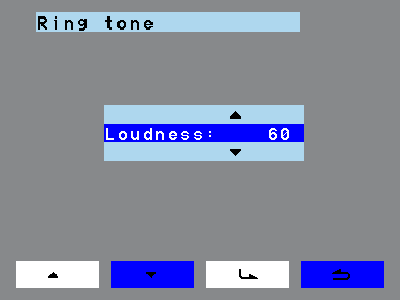
Ringtone volume sets how loud the indoor station rings on an incoming call.
 |
- Navigate to Volume > Ringtone.
- Tap the enter key.
- Use the navigation keys to set the ringtone volume. The step size is
20 %, the range is 20 % to 100 %. On every change the indoor
station plays the current ringtone at the set volume.
- Tap the enter key again. The set volume now applies as the standard,
and incoming calls ring at it.
|
Use the back key to return to the previous menu point. If the indoor station should
stay completely silent, use Mute mode instead.

