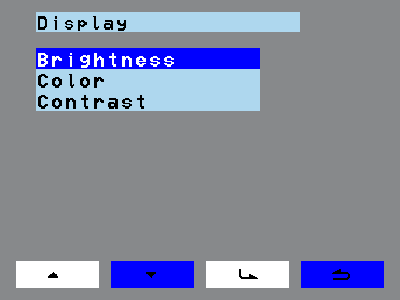
Display The Display menu point (Menu > Display) sets the contrast, brightness and colour of the screen. Use the navigation keys to select Contrast, Brightness or Colour. Tap the enter key. The screen shows the selected setting and it can be changed.
Display The Display menu point (Menu > Display) sets the contrast, brightness and colour of the screen. Use the navigation keys to select Contrast, Brightness or Colour. Tap the enter key. The screen shows the selected setting and it can be changed.