

Calibration
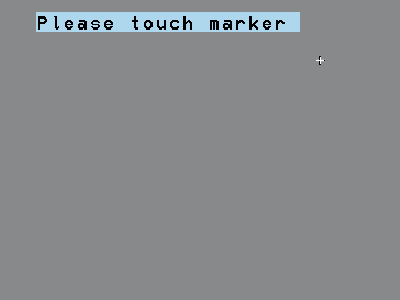
Recalibrate the touchscreen if the menu can no longer be operated correctly and the menu keys no longer respond at the expected spot.
 |
|
Recalibrate the touchscreen if the menu can no longer be operated correctly and the menu keys no longer respond at the expected spot.
|
|