Skip to main navigation Skip to main content Skip to page footer

Brightness

Brightness sets how brightly the screen is lit.
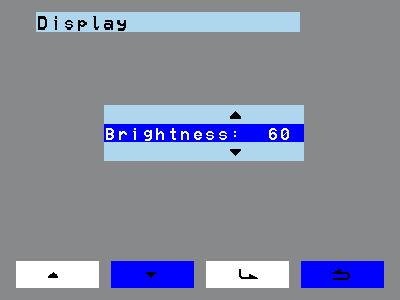
Brightness dialog with percentage value
  1. Navigate to Display > Brightness.
  2. Tap the enter key.
  3. Use the navigation keys to set the brightness. The step size is 10 %, the range is 10 % to 100 %.
  4. Tap the enter key again. The set brightness now applies as the standard, and the screen is lit with it.

Use the back key to return to the previous menu point.