

Volume
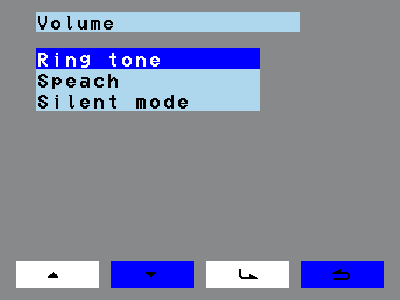
The Volume menu point (Menu > Volume) sets the ringtone volume and the speech volume. Here you can also switch on mute mode, which silences door and floor calls.
 |
|
The Volume menu point (Menu > Volume) sets the ringtone volume and the speech volume. Here you can also switch on mute mode, which silences door and floor calls.
|
|