

Contrast
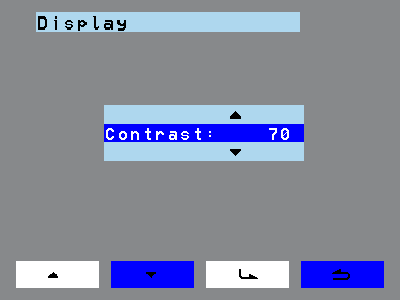
Contrast sets how strongly light and dark image areas stand out from one another.
 |
|
Use the back key to return to the previous menu point.
Contrast sets how strongly light and dark image areas stand out from one another.
|
|
Use the back key to return to the previous menu point.